Account management
Set timezone
Setting a timezone will help us to show all timestamps in your local time across the application.
Make sure to set your preferred timezone!
By default, all date & time values are displayed in UTC, For the timestamps to make sense, it is important to update the timezone in profile settings so that all values can be displayed in your local time.
How can I update the timezone?
You can update the timezone from the user profile page.
⚡ From the profile page
- Click in the top right corner of the header menu, where the user avatar is displayed, and click on the
Profilelink.
- You will be redirected to the user profile page. In the
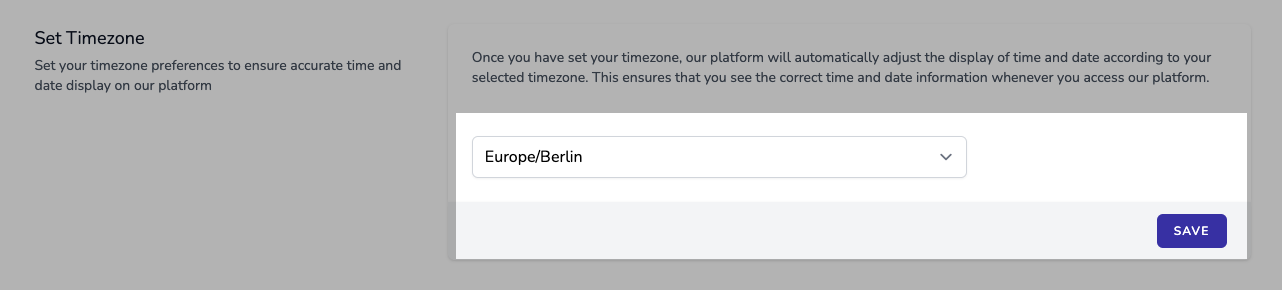
Set Timezonesection, select your timezone from the dropdown list and clickSavebutton.